Most home internet problems start with a simple misunderstanding: the words router and modem are often used as if they mean the same thing. They do not. While both devices are essential in many home networks, they perform very different jobs. Understanding the difference can help you troubleshoot connection issues, choose the right equipment, and avoid paying for hardware you do not need.
TLDR: A modem connects your home to your internet service provider, while a router shares that internet connection with your devices. The modem brings the internet in; the router distributes it through Wi Fi or Ethernet. Some devices combine both functions into one unit, often called a gateway. If your internet is down everywhere, suspect the modem or service; if only Wi Fi or certain devices fail, the router may be the issue.
What Is a Modem?
A modem is the device that connects your home network to your internet service provider, often called an ISP. Its main job is to translate the signal coming from your provider into a form your home devices can use.
The word modem comes from “modulator demodulator,” a technical term that refers to converting signals back and forth. In practical terms, the modem is the bridge between the outside internet line and your home network. Depending on your service type, that outside line may be cable, fiber, DSL, satellite, or fixed wireless.
Common modem types include:
- Cable modem: Uses the same coaxial cable infrastructure often associated with cable television.
- DSL modem: Uses telephone lines, though it does not function like old dial up service.
- Fiber terminal or ONT: Used for fiber internet; technically not always called a modem, but it serves a similar connection role.
- Satellite or wireless modem: Connects through a dish or wireless receiver rather than a physical cable line.
Without a modem or equivalent provider connection device, your home has no direct link to the internet. You could have the best router on the market, but it would have nothing to distribute.
What Is a Router?
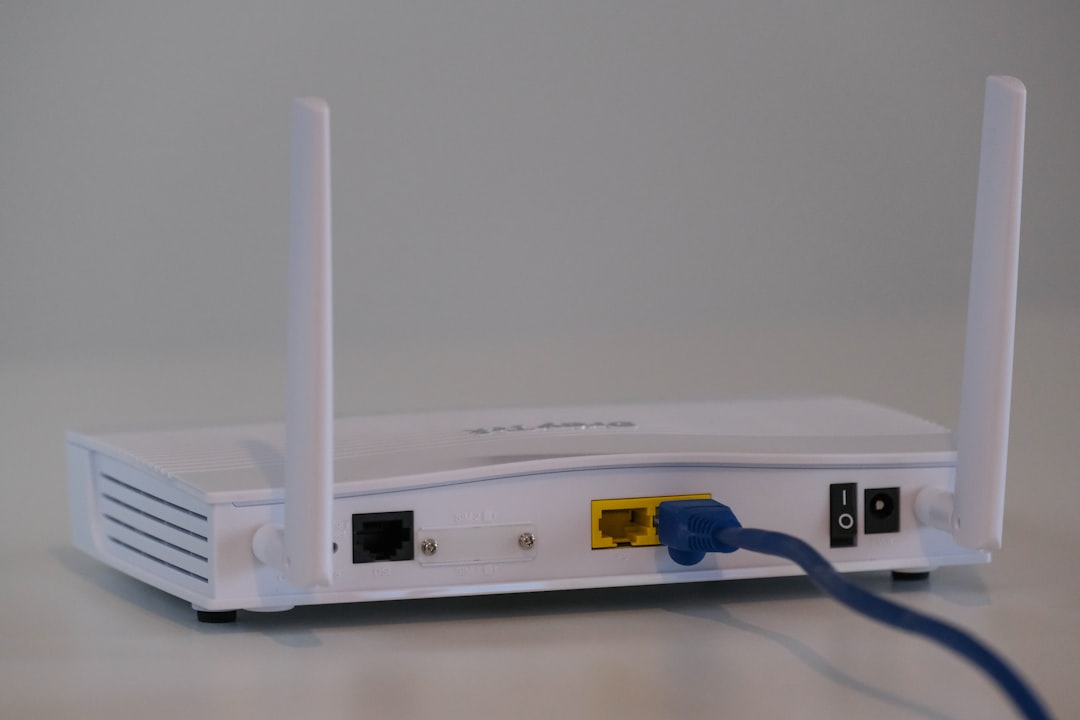
A router takes the internet connection supplied by the modem and distributes it to multiple devices. It creates your local network, allowing phones, laptops, smart TVs, game consoles, printers, cameras, and other devices to communicate with the internet and sometimes with each other.
The router is also responsible for assigning local addresses to your devices, directing traffic, managing Wi Fi, and providing a basic layer of network security. If your modem is the front door to the internet, your router is the traffic manager inside the house.
Most modern routers provide two types of connections:
- Wi Fi: Wireless access for phones, tablets, laptops, and smart home devices.
- Ethernet: Wired access through network cables, often faster and more stable than Wi Fi.
A router can also include features such as parental controls, guest networks, device prioritization, firewall settings, and support for mesh Wi Fi systems. These features vary widely depending on the model and price range.
The Actual Difference: Connection vs Distribution
The cleanest way to understand the difference is this: the modem connects your home to the internet; the router connects your devices to that internet connection.
A modem usually communicates with your ISP. A router usually communicates with your home devices. The modem deals with the external network; the router manages the internal network.
Here is a simple breakdown:
- Modem: Receives internet service from your provider.
- Router: Shares that service with multiple devices.
- Modem: Typically has one main output connection.
- Router: Offers Wi Fi and multiple wired connections.
- Modem: Essential for accessing ISP service.
- Router: Essential for using that service comfortably across a household.
In a very basic setup, one computer could be connected directly to a modem with an Ethernet cable. However, that is rarely ideal today. Most homes have many connected devices, so a router is needed to share the connection securely and efficiently.
What About Modem Router Combos?
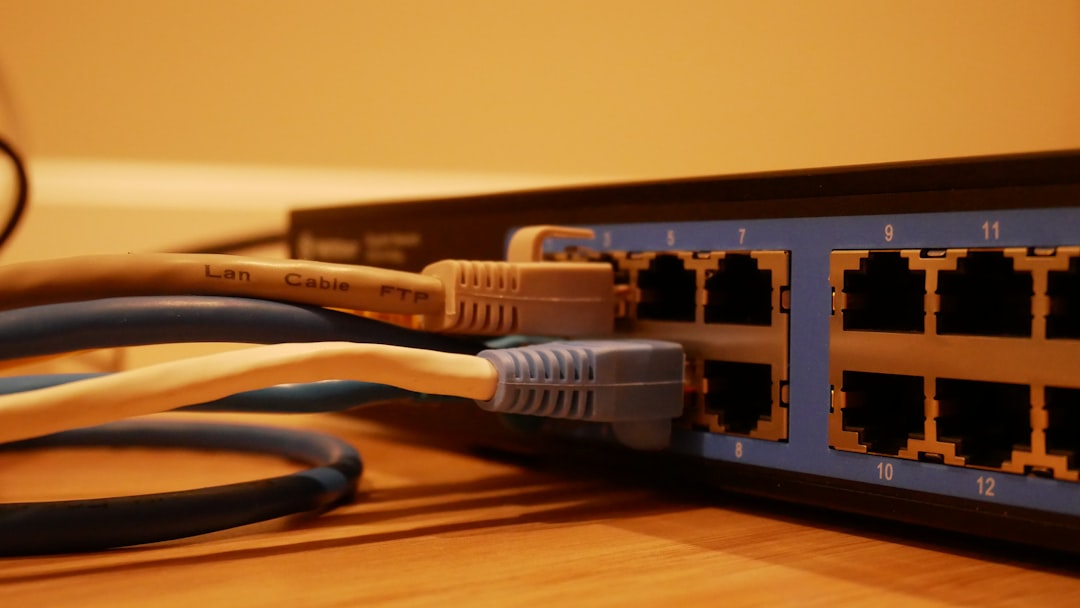
Many internet providers supply a single box that acts as both a modem and a router. This is commonly called a gateway, modem router combo, or all in one internet device.
These units are convenient because they require less space, fewer cables, and simpler setup. For many households, a gateway is perfectly adequate. You plug it in, activate the service, connect your devices, and move on.
However, combined units can have drawbacks:
- Less flexibility: You may not be able to upgrade the router without replacing the whole unit.
- Weaker Wi Fi performance: Some provider supplied gateways have limited wireless range or fewer advanced features.
- Rental fees: ISPs may charge a monthly equipment fee that adds up over time.
- Fewer advanced controls: Standalone routers often provide better management options.
For a small apartment or basic internet needs, a combo device may be enough. For a larger home, heavy streaming, gaming, remote work, or smart home equipment, a separate router may provide better coverage and control.
How to Know Which Device Is Causing a Problem
When the internet stops working, knowing the difference between modem and router can save time. The symptoms often point toward one device more than the other.
Possible modem or ISP problem:
- No devices in the home can access the internet.
- The modem’s online or service light is off, red, or blinking unusually.
- Your ISP reports an outage in your area.
- A device connected directly to the modem still cannot get online.
Possible router problem:
- Wired internet works, but Wi Fi does not.
- Some devices connect while others fail.
- The Wi Fi network name disappears or repeatedly disconnects.
- Internet works near the router but not in other rooms.
A sensible first step is to restart both devices, beginning with the modem. Unplug the modem and router, wait about 30 seconds, plug the modem back in first, wait for it to fully reconnect, then plug in the router. This sequence lets the internet connection establish before the router starts distributing it.
Do You Need Both a Modem and a Router?
In most homes, yes, you need both functions. That does not always mean you need two separate physical boxes. You need a modem function to connect to the ISP and a router function to share the connection among devices.
If you have a gateway, both functions are already inside one device. If you have separate equipment, the modem will connect to the router using an Ethernet cable. Your devices then connect to the router, either wirelessly or through Ethernet.
Should You Buy Your Own Equipment?
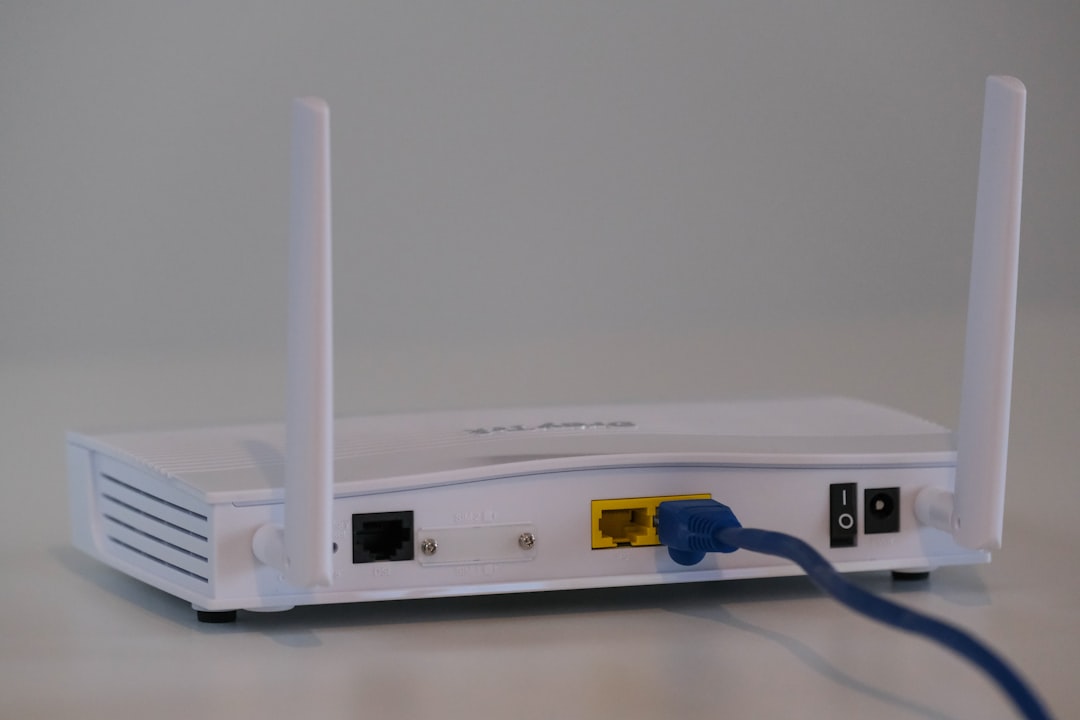
Buying your own modem, router, or gateway can be a good decision, but it depends on your situation. If your ISP charges a monthly rental fee, owning compatible equipment may save money over time. A quality standalone router can also improve Wi Fi speed, coverage, and reliability.
Before buying a modem, confirm that it is approved for your ISP and supports your internet plan’s speed. Not every modem works with every provider. Fiber customers may not be able to replace the provider’s optical terminal, though they may still be able to use their own router.
When buying a router, consider the size of your home, the number of connected devices, and your performance needs. A budget router may be fine for basic browsing, while a mesh system or higher performance router may be better for large homes or demanding users.
Final Takeaway
The difference between a router and a modem is straightforward but important. The modem brings internet service into your home, while the router distributes that service to your devices. A combined gateway can do both, but separate devices often provide more flexibility and stronger performance.
If you understand which device handles which task, you will be better prepared to troubleshoot outages, improve Wi Fi coverage, and make smarter equipment choices. In a connected household, that knowledge is not just technical trivia; it is a practical way to keep your internet running reliably.