For Mac users who manage SSH connections daily, Terminal is the best choice for speed and control, while Termius is better for saved hosts, visual organization, and team use. macOS already includes an SSH client through Terminal, so a user can connect with a command such as ssh user@example.com without installing anything [source: Apple]. Termius adds a cleaner interface on top of SSH, which can save time when there are many servers, keys, and environments to manage.
TLDR: Terminal is ideal for a sysadmin who knows the command line and wants full control with no extra app. Termius is better for a developer or small team managing 20, 50, or even 100+ SSH hosts because saved connections, folders, snippets, and key handling reduce repeat work. For example, if a user connects to 12 servers per day and spends 20 seconds typing or checking each command, a visual SSH manager can save several minutes per session. Terminal wins on simplicity; Termius wins on organization.
Terminal as an SSH Client on Mac
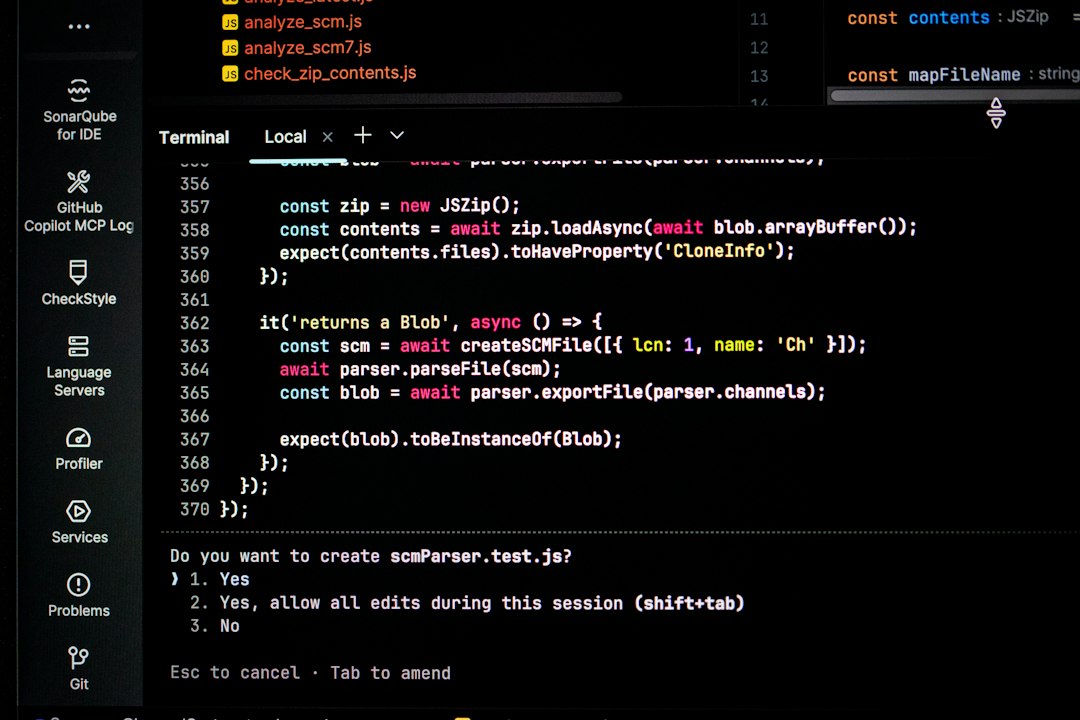
Terminal is the built-in command-line app on macOS. It gives direct access to OpenSSH, the standard SSH tool used across Linux, Unix, and many cloud systems. No account is needed. No subscription is required. No setup is needed beyond having a host, username, and key or password.
A basic SSH connection looks like this:
ssh username@server.example.comFor many technical users, that is enough. Terminal is fast, stable, and script-friendly. It works well with shell aliases, ~/.ssh/config, SSH keys, agents, tunnels, and port forwarding. A developer can create short host names, set default users, choose identity files, and define ports in one config file.
The catch is that Terminal does not try to be friendly. It will not show a polished host list. It will not remind a user which server is production and which one is staging. It will not group connections by client, project, or cloud provider unless the user builds that system manually.
Termius as an SSH Client on Mac
Termius is a dedicated SSH client with a graphical interface. It is built for users who want SSH access without living inside plain text config files all day. It supports saved hosts, groups, identities, snippets, SFTP, port forwarding, and connection syncing across devices.
Its biggest benefit is visibility. A user can see hosts in one place, label them clearly, and open a session without retyping the same command. For teams, this matters. Shared infrastructure can turn messy fast when each person stores hostnames and keys in a different way.
Termius also helps users who move between a MacBook, iPad, and phone. SSH from a phone is not fun, but sometimes it is needed. A visual app makes emergency access less painful, especially when a service goes down after hours.
Honestly, it feels like Terminal punishes anyone who has to manage lots of servers but does not want to memorize every alias. Termius fixes that problem with structure.
Terminal vs Termius: Key Differences
- Cost: Terminal is free and included with macOS. Termius has a free tier, but many advanced features sit behind paid plans.
- Setup: Terminal requires command knowledge. Termius asks for host details through forms and menus.
- Speed: Terminal opens instantly and uses very few system resources. Termius may take longer to launch, but saved hosts can reduce repeated typing.
- Organization: Termius is stronger for folders, tags, and visual host management.
- Automation: Terminal is better for scripts, shell workflows, and command chaining.
- Team use: Termius is more practical for shared connection data and consistent workflows.
For a single Linux server, Terminal makes more sense. For a group of cloud servers, client environments, databases, and jump hosts, Termius starts to feel worth it.
Security and Key Management
Both tools can use SSH keys, which are safer than passwords when configured correctly. Terminal stores keys in the user’s ~/.ssh directory and can work with the macOS Keychain. It also supports config rules for identity files, proxy jumps, and strict host checking.
OpenSSH configuration is well documented and widely used across servers, laptops, and CI systems [source: OpenBSD]. That makes Terminal a strong fit for users who must understand exactly how each connection works.
Termius focuses on making key handling easier. Users can attach identities to hosts and avoid digging through local files. That is convenient, but it also means teams should review sync settings, access controls, and device security. A saved connection library is useful, but if a laptop is poorly protected, it can become a soft target.

When Terminal Is the Better Choice
Terminal is better for users who prefer direct control. It is also the better fit for engineers who already work in shells, Git, Docker, Kubernetes, or cloud CLIs. They can keep SSH close to the rest of their workflow.
Terminal also shines when tasks repeat. A user can write shell scripts, create aliases, pipe output into files, and chain commands together. For example, an admin can restart a service, check logs, and copy results with one command sequence.
Terminal is also less distracting. There are no panels, sync prompts, or account features. Just the session. That simplicity is hard to beat.
When Termius Is the Better Choice
Termius is better when the pain is not SSH itself, but remembering everything around SSH. Hostnames, ports, usernames, keys, notes, jump servers, and environments can pile up. Expect to waste time on small mistakes when production and staging names look nearly identical.
Termius helps by turning those details into saved profiles. A user can group hosts by client, region, or project. Snippets can store common commands, such as checking disk space or restarting Nginx. This reduces typing and lowers the chance of running a command in the wrong place.
Termius is also helpful for less command-heavy users. A product engineer, support lead, or technical founder may need remote access but may not want to maintain a perfect SSH config file.
Performance and Daily Workflow
Terminal is hard to beat for raw speed. It launches fast and connects with very little overhead. On older Macs, that can matter. Users who open many tabs may also prefer Terminal, iTerm2, or another shell-focused setup.
Termius trades some raw speed for comfort. Opening the app and selecting a host may take a few extra seconds, but those seconds can be recovered when the user avoids typing long commands or searching old notes. For teams with many systems, that trade can make sense.
Which SSH Client Should a Mac User Choose?
The simplest rule is this: use Terminal if the workflow is command-first; use Termius if the workflow is connection-first.
A backend engineer managing two servers will likely be happier with Terminal and a clean ~/.ssh/config file. An agency developer managing 40 client servers may prefer Termius because the visual list reduces friction. A DevOps engineer may use both: Terminal for automation and Termius for quick access to many hosts.
Neither option is universally better. Terminal is powerful because it stays close to the system. Termius is useful because it reduces the clutter around SSH. The right choice depends on how many connections exist, how often they change, and how much structure the user wants.
FAQ
Is there a built-in SSH client on Mac?
Yes. macOS includes SSH access through Terminal. A user can connect with a command like ssh username@hostname.
Is Termius safer than Terminal?
Not automatically. Both can be secure when SSH keys, device passwords, and access controls are handled well. Terminal gives more low-level control. Termius makes key and host management easier.
Can Terminal save SSH connections?
Yes, but not through a visual list by default. Users can save host settings in the ~/.ssh/config file and connect with short aliases.
Does Termius work for teams?
Yes. Termius is useful for teams that need shared host organization, consistent naming, and easier access to many remote systems.
Which is better for beginners?
Termius is usually easier for beginners because it uses forms, saved hosts, and a visual layout. Terminal is better for beginners who want to learn SSH deeply from the start.
Should a Mac user install Termius if Terminal already works?
Only if saved connections, syncing, snippets, or visual organization would save time. If a user manages just one or two servers, Terminal is usually enough.