The best MP3 device for Spotify offline is usually an Android-based music player that can run the official Spotify app. Spotify Premium allows offline downloads of up to 10,000 tracks on each of 5 devices, as long as you go online at least once every 30 days [source: Spotify]. A basic USB MP3 player will not work because Spotify downloads are protected inside the app, not saved as normal MP3 files.
TLDR: If you want a true MP3 device Spotify setup, buy an Android music player with Wi-Fi, install Spotify, sign in with Premium, and download playlists inside the app. For example, a 64 GB Android player can hold thousands of downloaded songs, depending on audio quality and how many apps you install. A runner who wants 8 hours of music per week could download 20 playlists once, then listen offline for a month before Spotify asks for an online check-in. Do not buy a cheap “MP3 player” unless it clearly supports Android apps or Spotify itself.
Why regular MP3 players do not play Spotify offline
Spotify is not the same as loading MP3 files from a computer. Offline Spotify tracks stay locked inside the Spotify app. You cannot drag them onto a USB player, SD card, or old iPod Shuffle and expect them to play.
This is where buyers get burned. Product pages often say “supports MP3, WAV, FLAC.” That sounds flexible, but it says nothing about Spotify. Those formats refer to local music files you own. Spotify needs the official app, account login, and device authorization.
Simple rule: if the device cannot install or run Spotify, it cannot play Spotify offline in a proper, supported way.
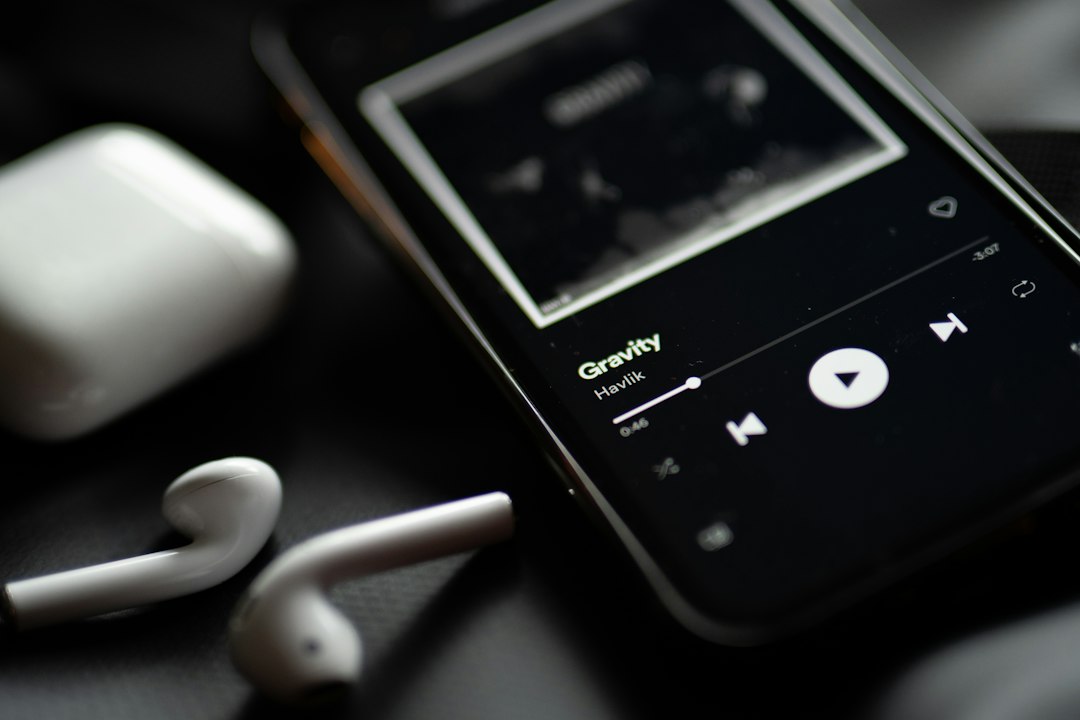
Best option: Android MP3 players with Spotify
An Android digital audio player is the most reliable choice if you want a dedicated device and do not want to carry a phone. These are often called DAPs, or digital audio players. Brands such as Sony Walkman, FiiO, HiBy, Astell&Kern, and Shanling sell models that run Android on many current devices.
The process is familiar:
- Connect the player to Wi-Fi.
- Open Google Play Store, if available.
- Install the Spotify app.
- Sign in with a Spotify Premium account.
- Open playlists, albums, or podcasts.
- Tap the download button.
- Switch Spotify to offline mode if you want to avoid streaming by mistake.
This is the cleanest setup. It keeps Spotify legal, stable, and easy to update. It also gives you better audio hardware than most phones, especially if you use wired headphones.
The catch is that cheap Android players can feel painfully slow. Some take 20 to 40 seconds just to open Spotify after a restart. That gets old fast. If Spotify matters more than local files, pay attention to RAM, processor speed, Android version, and app store access.
What to check before buying
Do not buy based only on storage size. A 128 GB label looks great, but it means little if the Spotify app crashes or the Android version is too old.
- Spotify app support: Confirm that Spotify installs from Google Play or the maker’s app store.
- Android version: Newer is safer. Older versions lose app support sooner.
- Wi-Fi: Required for downloading music and renewing offline access.
- Storage: 32 GB is workable. 64 GB or 128 GB is better for large playlists.
- Battery life: Check real user reports, not only marketing claims.
- Bluetooth and wired output: Pick based on your headphones.
- MicroSD card support: Useful, but Spotify storage behavior can vary by device.
Also check whether the device has full Google Play support. Some premium players use modified Android. They may still run Spotify, but setup can be less smooth. Honestly, it feels like some manufacturers treat app support as an afterthought, even on expensive players.
Good alternative: use an old smartphone offline
An old phone can be the best “Spotify MP3 player” you already own. Remove the SIM card, reset the phone, install Spotify, download your music, and keep it in airplane mode with Wi-Fi enabled only when needed.
This option is practical and cheap. It also gives you a better screen, faster search, easier updates, and fewer weird app issues. Add a small USB-C or Lightning DAC if you care about wired sound quality.
The downside is size. A phone is larger than a pocket MP3 player. Battery health may also be poor if the phone is old. Still, for many users, it beats buying a low-end music player that struggles with Spotify.
Best for workouts: watches with Spotify offline
If your goal is running, gym training, or cycling, a watch may be better than an MP3 player. Spotify offline works on many Apple Watch, Garmin, Wear OS, and Samsung Galaxy Watch models. You download playlists to the watch, pair Bluetooth earbuds, and leave the phone at home.
This is not ideal for huge libraries. Storage is limited, and syncing can be slow. Expect to waste time on the first download, especially if the watch is far from the router. Still, for a 60-minute workout playlist or a few podcasts, it is very convenient.
Choose a watch if you value weight and freedom. Choose an Android music player if you want more storage, wired headphones, and a better music-first interface.
What about Spotify to MP3 converters?
Be careful. Many sites promise to “convert Spotify to MP3” for any device. That may sound tempting, but it often breaks Spotify’s terms and can expose your login details or computer to bad software.
There is also a quality issue. Some tools record audio in real time or re-encode tracks poorly. You may spend an hour trying to build a playlist, then end up with broken tags, missing album art, and volume differences between songs. It drives me crazy that these tools are often marketed as simple fixes when they create more problems than they solve.
If you want permanent MP3 files, buy music from stores that sell downloads. If you want Spotify, use Spotify on a supported device.
Recommended setups by user type
- For students: Use an old phone or budget Android player. Download study playlists and podcasts over campus Wi-Fi.
- For runners: Use a Spotify-compatible watch. Keep only your workout playlists synced.
- For audiophiles: Use a higher-end Android DAP with wired headphones and enough storage.
- For kids: Use a locked-down old phone or simple Android player with parental controls.
- For travel: Use a phone or DAP with 64 GB or more storage and download before leaving home.
Offline listening tips that prevent problems
Before a trip, open Spotify and confirm that every playlist shows the green download icon. Do this while still on Wi-Fi. Do not assume yesterday’s download worked.
Set audio quality before downloading. Higher quality uses more space, but it sounds better with good headphones. If storage is tight, use normal quality for podcasts and higher quality for music.
Keep the app updated, but avoid doing major updates right before travel. An update can log you out or force a fresh sync at the worst time. Open Spotify at least once every few weeks while online so offline access stays active.
Final buying advice
For most people, the safest Spotify offline device is either an old smartphone or a modern Android music player. A normal MP3 player is fine for MP3 files, but it is the wrong tool for Spotify. Watches are excellent for workouts, but not for large libraries.
If a product listing does not clearly say it supports Spotify, assume it does not. Search user reviews for “Spotify,” “offline,” and “Google Play” before paying. That small check can save you from buying a device that plays files perfectly but cannot play the service you actually use.