Most people need both a my Social Security account and a Login.gov sign-in, because they do different jobs. The Social Security Administration serves more than 70 million beneficiaries, so online access can save a trip, a phone call, and a long wait [source: SSA].
TLDR: my Social Security is the benefits portal, while Login.gov is one way to sign in securely. For example, a 64-year-old retiree may use Login.gov to enter the system, then use my Social Security to check benefit payments, update direct deposit, or print a benefit verification letter. The annoying part is that older account holders may need to move from an old SSA username to Login.gov or ID.me before they can get back in. That switch can add 10 to 15 minutes if identity checks or phone verification slow things down.
What Is a My Social Security Account?
A my Social Security account is the personal online account provided by the Social Security Administration. It is where a person can view Social Security information, manage benefits, and handle common account tasks without visiting an office.
For people who are not yet receiving benefits, the account can show:
- Estimated retirement benefits at different claiming ages
- Disability benefit estimates
- Survivor benefit estimates for eligible family members
- Annual earnings history
- Social Security Statement details
For people already receiving benefits, the account may allow them to:
- Check payment amounts and dates
- Change direct deposit details
- Update an address or phone number
- Get a benefit verification letter
- Request a replacement Social Security card in many states
- View Medicare information, if enrolled
- Get a replacement SSA-1099 or SSA-1042S tax form
In plain terms, my Social Security is the account hub. It holds the tools. It shows the records. It is where the actual benefit tasks happen.
Image not found in postmetaWhat Is Login.gov?
Login.gov is not a Social Security benefits account. It is a federal sign-in service used by many government websites. A person can use one Login.gov username and password to access several participating federal services.
Login.gov helps confirm identity, protect account access, and support security tools such as multi-factor authentication. That usually means the user signs in with a password and then confirms access through a second step, such as a text message, authentication app, backup code, or security key.
That second step can be irritating. A code may arrive late. A phone number may be outdated. An authentication app may be on an old phone sitting in a drawer. Still, the extra step is meant to protect private records, including earnings history and payment information.
My Social Security vs Login.gov: The Simple Difference
The easiest way to understand the difference is this:
- Login.gov is the front door. It verifies the person signing in.
- my Social Security is the room inside. It contains Social Security tools and benefit details.
A person does not use Login.gov to calculate retirement benefits. A person does not use Login.gov to update Social Security direct deposit. Login.gov only helps the person get into the SSA online system.
Once access is approved, the person lands in the my Social Security account area. From there, benefit services become available based on eligibility, age, status, and SSA records.
Why Some Users Must Switch to Login.gov
Some older my Social Security accounts were created with a Social Security username and password before newer sign-in options became standard. SSA has been moving users toward Login.gov or ID.me for access. SSA says users who created accounts before September 18, 2021 may need to transition to Login.gov or ID.me to keep using online services [source: SSA my Social Security].
This is where people often get stuck. They may remember their old SSA login but then see prompts to connect or create a Login.gov account. Honestly, it feels like doing the same sign-in twice, even though the system is replacing an older login method.
The key point is simple: the benefits account is not being deleted. The person is usually just being asked to use a newer sign-in method to reach it.
How to Create Access with Login.gov
A person setting up access should have a few items ready before starting. This reduces failed attempts and lockouts.
- A personal email address
- A working phone number
- A Social Security number
- A current mailing address
- A valid state ID, driver’s license, or other identity record if requested
The basic process usually works like this:
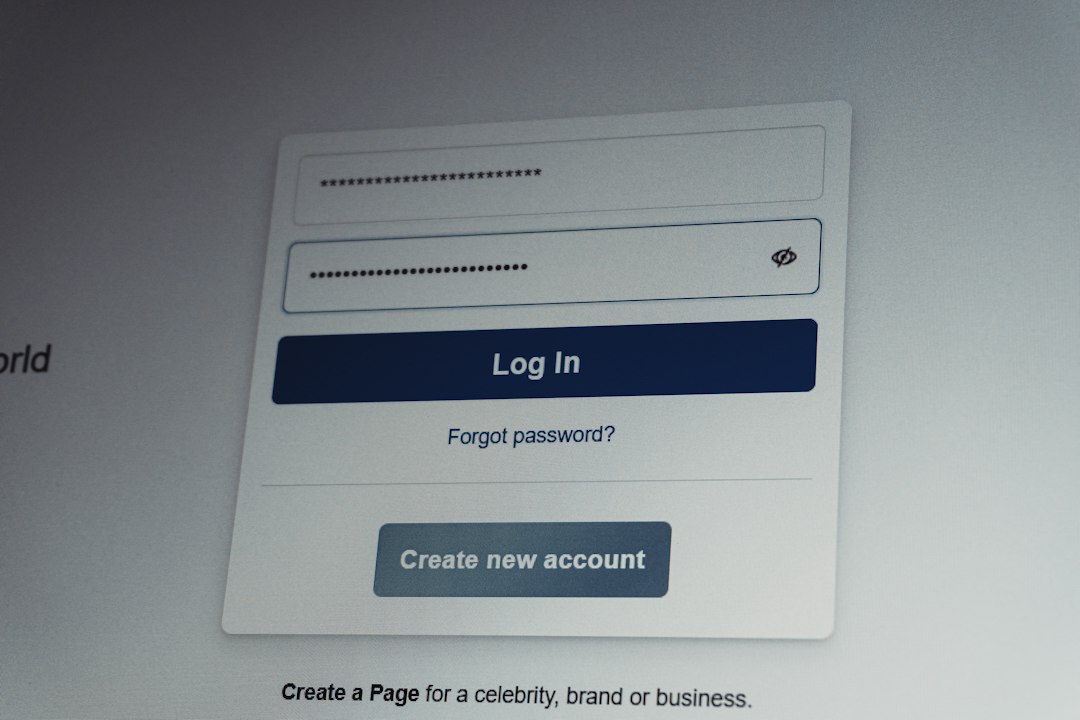
- Go to the official SSA sign-in page.
- Select Sign in with Login.gov.
- Create a Login.gov account or sign in to an existing one.
- Set up multi-factor authentication.
- Follow the identity verification steps.
- Return to SSA and open the my Social Security account.
No one should create more than one Login.gov account unless there is a real need. Duplicate accounts can create needless confusion. It can also make recovery harder if each account has a different phone number or email.
How to Manage Benefits Online
After sign-in, the available services depend on the person’s status. A worker who has not claimed benefits will see planning tools. A retiree or disability beneficiary will see payment and account management options.
Common tasks include:
- Checking benefit amounts: Monthly payment details can be reviewed online.
- Changing direct deposit: Beneficiaries can update bank details if eligible.
- Printing proof of income: A benefit verification letter can help with housing, loans, or public assistance.
- Reviewing earnings: Workers can spot missing or incorrect wage records.
- Planning retirement: Estimates can show how claiming at 62, full retirement age, or 70 may change payments.
People should review earnings records at least once a year. A missing year of wages can affect future benefits. Fixing it early is usually easier than finding the error decades later.
Security Tips That Save Trouble Later
Social Security records are a major target for fraud. A strong login matters. A person should use a unique password, not one reused from shopping, banking, or email accounts.
Good security habits include:
- Using an authentication app instead of text messages when possible
- Saving backup codes in a safe place
- Keeping the email address current
- Updating the phone number before replacing a phone
- Signing out after using a shared or public computer
Expect to waste time on recovery if the phone number is old. That small detail causes big headaches. A five-minute update today may prevent a locked account later.
Which Sign-In Option Should Someone Use?
If a person already has Login.gov for another federal service, using it for Social Security can be convenient. One login can work across multiple government sites. If the person already uses ID.me and prefers it, that may also work for SSA access.
For many users, Login.gov is the cleaner choice because it is government-run and widely accepted. Still, the best option is the one the person can maintain. A secure login is only useful if the user can still access the email, phone, and authentication method tied to it.

FAQ
Is my Social Security the same as Login.gov?
No. my Social Security is the SSA benefits portal. Login.gov is a secure sign-in service used to access it.
Does a person need Login.gov to get Social Security benefits?
No. Benefits can still be handled through SSA offices and phone support. But online management often requires Login.gov, ID.me, or another approved sign-in method.
Can someone keep an old my Social Security username?
Some older users may be asked to switch to Login.gov or ID.me. The old login may no longer be enough for continued access.
What if the Login.gov verification code does not arrive?
The person should check the phone number, signal, blocked messages, and spam settings. If that fails, another authentication method or Login.gov support may be needed.
Can a person use one Login.gov account for multiple agencies?
Yes. Login.gov is designed for access to participating government services with one secure account.
Is it safe to manage Social Security benefits online?
Yes, if the person uses the official SSA website, a strong password, and multi-factor authentication. Public Wi-Fi and shared computers should be avoided when possible.