Pick the SanDisk Extreme Portable SSD if you want fast, daily backups. Pick the G-DRIVE ArmorATD if you want lots of space for less money and do not mind waiting. The SanDisk Extreme Portable SSD is rated up to 1050 MB/s read and 1000 MB/s write, which makes it much faster than a hard drive like the ArmorATD [source: Western Digital].
TLDR: For most backup jobs, the SanDisk Extreme Portable SSD is the better drive because it is small, quick, and tougher for travel. The G-DRIVE ArmorATD wins if you need 4TB or 5TB without spending SSD money. For example, backing up a 500GB photo folder can feel far less painful on the SanDisk, especially if you do it every week. If your backup sits in a drawer and runs once a month, the ArmorATD still makes sense.
Quick verdict
If backups annoy you, speed matters. A slow backup becomes a skipped backup. That is how files vanish. Cute, right? No. Very not cute.
The SanDisk Extreme Portable SSD is the better pick for:
- Laptops
- Photo and video projects
- Travel
- Daily or weekly backups
- People who hate waiting
The G-DRIVE ArmorATD is better for:
- Big archive backups
- Time Machine storage
- Cheap bulk capacity
- Home office use
- Old project storage
So yes, both are good. But they are good at different things.
The simple difference
The G-DRIVE ArmorATD is a rugged portable hard drive. Inside, it has spinning parts. That means it can hold a lot of data for a decent price. It also means it is slower. And if you drop it while it is running, your stomach may leave your body.
The SanDisk Extreme Portable SSD is a rugged portable solid state drive. It has no spinning disk inside. It is usually faster, smaller, quieter, and better for life in a backpack.
That is the big story. HDD equals more space for less cash. SSD equals more speed and less drama.
Speed: SanDisk wins by a lot
This part is not close.
The SanDisk Extreme Portable SSD can move files much faster than the ArmorATD. That helps when you back up huge folders. It also helps when you restore files. People forget that part. A backup is only half the job. Getting your stuff back also matters.
Let’s say you have a folder with:
- 20,000 phone photos
- 80GB of 4K video
- A few design files
- A messy desktop folder called “sort later”
On the SanDisk, that backup can feel quick. On the ArmorATD, it can feel like making tea, drinking it, washing the cup, and still waiting.
Honestly, it feels like hard drives wait until you are in a hurry to remind you they are hard drives.
Capacity: G-DRIVE ArmorATD fights back
Here is where the ArmorATD gets its revenge.
You can often find the G-DRIVE ArmorATD in larger sizes, such as 4TB and 5TB. That is great for full computer backups. It is also handy for video editors, photographers, and families with years of pictures.
SSDs get expensive as sizes go up. A 4TB SSD can cost a lot. A 4TB or 5TB hard drive is usually easier to justify.
If your backup plan is “copy everything and keep it safe,” the ArmorATD is a strong pick. It gives you room to be messy. That is useful. Not everyone wants to spend Sunday sorting files like a digital monk.
Durability: both are tough, but in different ways
Both drives are built for rough handling. But the type of toughness is different.
The ArmorATD has a chunky protective shell. It feels like it wants to survive a camping trip. It is meant for bumps, bags, and field work.
The SanDisk Extreme Portable SSD is tiny and rubberized. Many versions have water and dust resistance. It is easy to clip to a bag. It also has no moving parts, which is a big deal.
For travel, the SanDisk feels safer. Not because the ArmorATD is weak. It is not. But spinning drives are still spinning drives. They dislike drops. They dislike shocks. They dislike being treated like a granola bar.
Portability: SanDisk is pocket sized
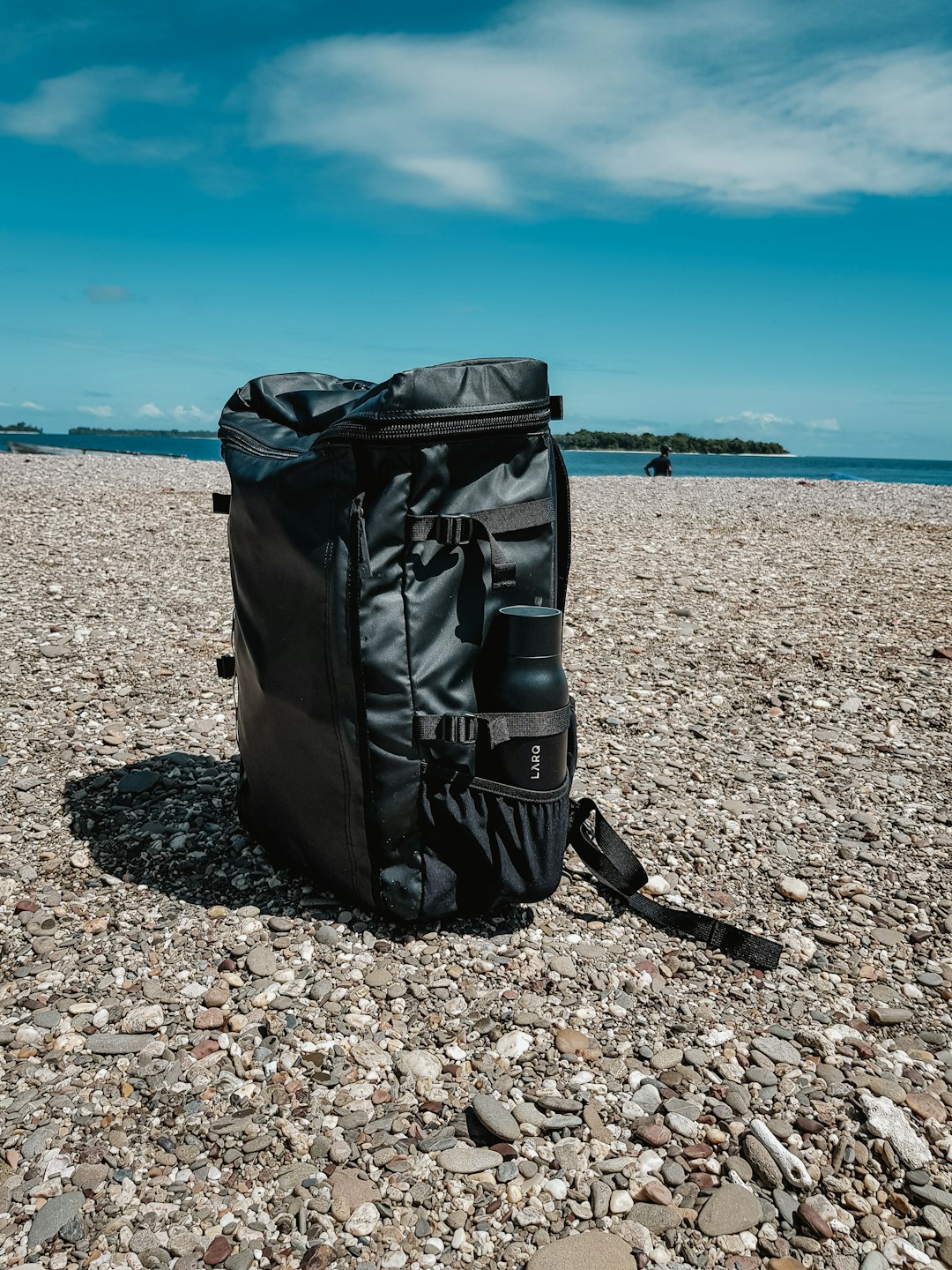
The SanDisk Extreme Portable SSD is small. Very small. It can fit in a jacket pocket. It takes almost no space in a laptop bag.
The G-DRIVE ArmorATD is portable too. But it is bulkier. You notice it more. It feels sturdy, sure. It also feels like a tiny brick with a cable.
If you move between home, office, hotel, and coffee shop, get the SanDisk. You are more likely to carry it. That means you are more likely to use it.
And that is the whole point.
Backup style: daily vs archive
This is the easiest way to choose.
Choose SanDisk Extreme Portable SSD if:
- You back up often.
- You edit photos or videos.
- You need fast restores.
- You travel with your drive.
- You use a laptop with USB C.
Choose G-DRIVE ArmorATD if:
- You need maximum space.
- You back up once in a while.
- You want a cheaper cost per terabyte.
- You store old projects.
- You keep the drive mostly at home.
Think of the SanDisk as your daily backpack drive. Think of the ArmorATD as your storage closet drive.
What about Time Machine and Windows backups?
Both drives can work for Mac and Windows backups. You may need to format them first. That part is never as fun as the box makes it sound.
For Mac Time Machine, the ArmorATD is a nice match if you want a big backup drive that stays on a desk. Time Machine loves space. It keeps older versions until the drive fills up.
For Windows File History or manual backups, either drive is fine. The SanDisk is best if you copy folders often. The ArmorATD is best if you want one big backup dump.
Expect to waste a few minutes checking the format. Some drives arrive set up for a certain system. It is not hard. It is just one of those tiny tech chores that shows up at the worst time.
Reliability: do not trust one drive only
No external drive is magic. SSDs can fail. Hard drives can fail. Cables can fail. People can spill coffee. Cats can cause events.
For important files, use the 3 2 1 backup rule:
- 3 copies of your data
- 2 different storage types
- 1 copy off site or in the cloud
This means your external drive should not be your only safety net. It should be one layer. A very useful layer. But still one layer.
Price: ArmorATD gives more space per dollar
If budget is tight, the G-DRIVE ArmorATD has an easy argument. You often get more terabytes for the money. That matters when you have years of videos, RAW photos, and full system backups.
The SanDisk costs more per terabyte. But it saves time. If you back up a lot, that time is worth real money. Or at least real sanity.
A simple rule works well:
- Need speed? Buy the SanDisk.
- Need space? Buy the ArmorATD.
- Need both? Buy a smaller SSD for current work and a big HDD for archive storage.
Best setup for most people
The best backup setup is not one drive. It is two.
Use the SanDisk Extreme Portable SSD for active files. Keep your current photos, work files, school files, and travel data there. It is fast enough that you will not avoid using it.
Use the G-DRIVE ArmorATD for deep storage. Move old projects there. Keep monthly backups there. Let it sit somewhere safe.
This setup gives you speed and space. It also keeps your main backup routine simple. Simple is good. Simple gets done.
Final answer
The SanDisk Extreme Portable SSD is the better external drive for most backups. It is faster, smaller, and easier to carry. It is the one to buy if you want backup habits that do not feel like punishment.
The G-DRIVE ArmorATD is still a smart buy if you need big storage at a lower price. It is best for archives, Time Machine, and large home backups.
If you can only pick one, pick the SanDisk Extreme Portable SSD for daily use. Pick the G-DRIVE ArmorATD for big, cheap backup space. If your files really matter, use both.