Use a mix of audit, keyword, and tracking tools if you want more organic traffic. One tool will not catch everything. Organic search still matters a lot, since BrightEdge reports that organic search drives 53.3% of all website traffic [source: BrightEdge].
TLDR: Start with Google Search Console and Screaming Frog to find broken pages, crawl errors, and indexing problems. Then use Ahrefs, Semrush, or Google Keyword Planner to find search terms people already care about. For example, a small blog might find 40 pages with missing titles, fix 25 of them, and see clicks rise by 18% in 60 days. Add PageSpeed Insights to catch slow pages that annoy users and hurt results.
1. Google Search Console
Best for: seeing how Google views your site.
Google Search Console is free. That already makes it a winner. It shows search clicks, ranking terms, indexing issues, and page experience warnings.
It is the first tool I would open during any SEO check. Why? Because it gives you data straight from Google. Not guesses. Not fancy charts pretending to be magic.
- Find pages that are not indexed.
- See which searches bring clicks.
- Spot pages with falling traffic.
- Check mobile and speed issues.
Simple win: Go to the Performance report. Sort queries by impressions. Look for keywords with lots of impressions but low clicks. Rewrite the title tag. Add a clearer meta description. Tiny fix. Nice payoff.

2. Screaming Frog SEO Spider
Best for: technical audits that find the ugly stuff.
Screaming Frog crawls your site like a search engine bot. It finds broken links, missing titles, duplicate pages, redirect chains, huge images, and thin content.
Honestly, it feels like opening a drawer you forgot to clean for three years. There is useful stuff in there. Also crumbs.
- Broken links: Find 404 pages fast.
- Title tags: Spot missing or duplicate titles.
- Meta descriptions: Check length and duplicates.
- Redirects: Catch messy chains that waste crawl budget.
The free version crawls up to 500 URLs. That is plenty for small sites. Larger sites will need the paid version.
Quick use case: Crawl your site. Export all 404 errors. Fix or redirect them. Then crawl again. Watching the error count drop is oddly satisfying.
3. Ahrefs
Best for: keyword research, backlinks, and competitor checks.
Ahrefs is a strong all-round SEO tool. It helps you see what keywords competitors rank for. It also shows who links to them.
This is great for content planning. Instead of guessing, you can see what already works. Then make something clearer, fresher, and more useful.
- Keyword Explorer: Find keyword ideas.
- Site Explorer: Check competitor traffic and backlinks.
- Content Gap: Find keywords they rank for and you do not.
- Top Pages: See which pages pull the most traffic.
The annoying part? Some reports can feel packed with numbers. Expect to waste time at first clicking around. After a few sessions, it gets easier.
Simple win: Put in a competitor domain. Open Top Pages. Pick one topic with traffic. Write a better version with clearer answers and stronger examples.
4. Semrush
Best for: SEO audits, keyword tracking, and content ideas.
Semrush does a lot. Maybe too much. It has site audits, rank tracking, keyword tools, backlink checks, and content planning tools.
Its Site Audit tool is very friendly. It grades your site health and lists issues by type. That makes it easier to decide what to fix first.
- Site Audit: Find technical SEO problems.
- Position Tracking: Follow keyword rankings.
- Keyword Magic Tool: Get long-tail keyword ideas.
- On Page SEO Checker: Get page-level tips.
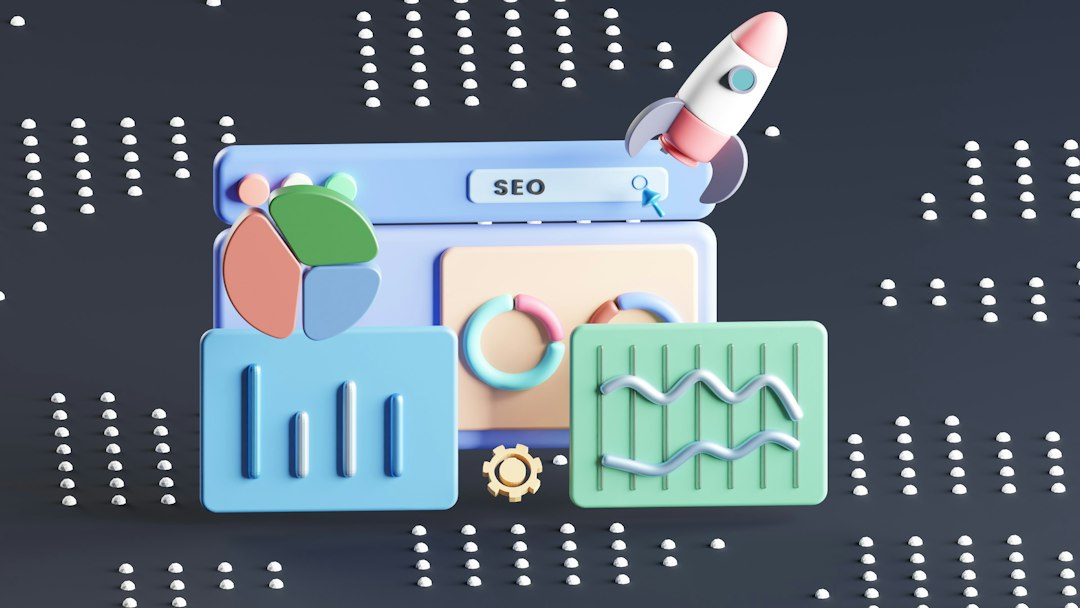
Smart move: Use Semrush to group keywords by intent. Some people want to buy. Some want a guide. Some want a quick answer. Match the page to the searcher.
5. Google Keyword Planner
Best for: simple keyword discovery on a budget.
Google Keyword Planner is inside Google Ads. You do not need to run ads to use it, though setup can be a little clunky.
It gives keyword ideas, monthly search ranges, and competition levels. The data is built for ads, but it still helps SEO work.
- Find seed keywords.
- Check search volume ranges.
- Discover related terms.
- Spot high-intent phrases.
Example: Search “home coffee grinder.” You may find “best burr grinder,” “quiet coffee grinder,” and “coffee grinder for espresso.” Each one could become a helpful article or product page.
6. PageSpeed Insights
Best for: fixing slow pages.
PageSpeed Insights tests how fast your page feels to users. It checks mobile and desktop. It also points out issues like large images, slow scripts, and layout shifts.
Slow pages lose people. We all know this. If a page spins for too long, users leave. No dramatic speech needed.
- Compress large images.
- Remove unused code.
- Improve server response time.
- Stop page elements from jumping around.
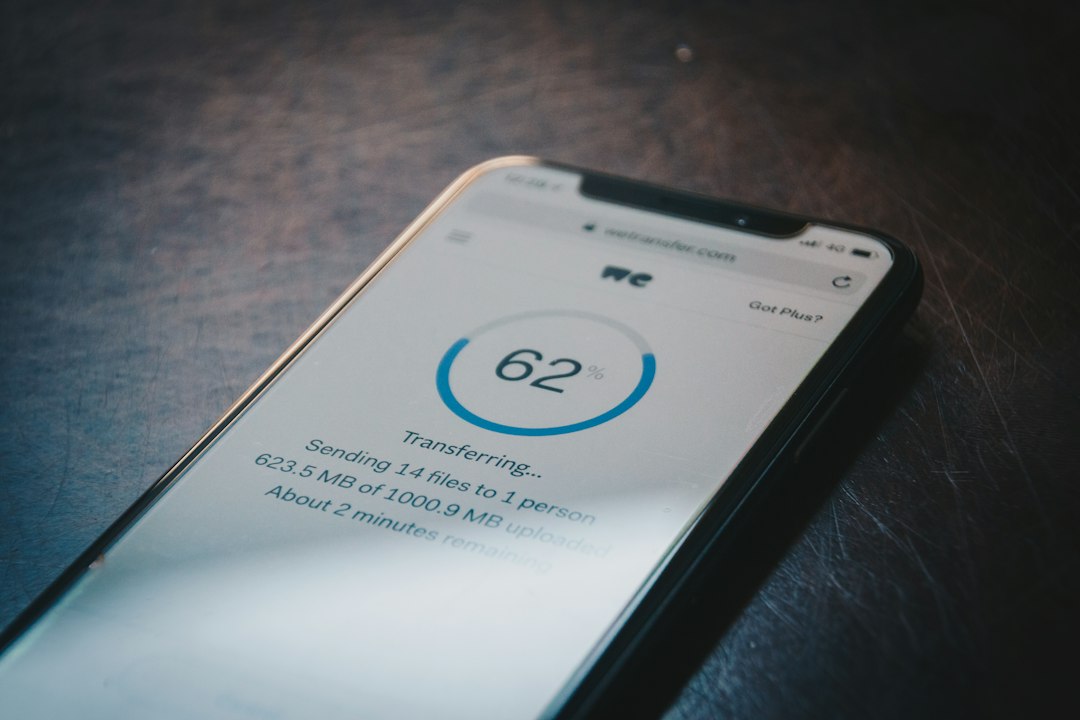
Easy win: Run your top five traffic pages through the tool. Fix the biggest image issues first. That is often the fastest speed gain.
How to Use These Tools Together
- Start with Google Search Console. Find pages losing clicks.
- Crawl with Screaming Frog. Fix broken links and missing tags.
- Research with Ahrefs or Semrush. Find better keyword targets.
- Check speed with PageSpeed Insights. Clean up slow pages.
- Track changes. Review clicks, impressions, and rankings every month.
You do not need every tool on day one. Start free. Fix the obvious mess. Then pay for deeper data when your site grows.
The best SEO tool is the one you actually use every week. Fancy dashboards do not grow traffic by themselves. Small fixes do. Better titles help. Faster pages help. Useful content helps most of all.