It is a strangely modern worry: you search for something on your phone, then glance at the family Wi-Fi router or the monthly internet bill and wonder who might be able to see what you just looked up. The short answer is reassuring, but the full answer depends on what you mean by “see,” who controls the network, and what tools they use.
TLDR: Your actual Google searches and page-by-page browsing history usually do not appear on a standard Wi-Fi or internet bill. However, the account holder, internet provider, workplace, school, or router administrator may be able to see some network activity, such as connected devices, data usage, or websites contacted. HTTPS and private browsing help in different ways, but they do not make you completely invisible. A VPN can hide more from the Wi-Fi owner, though not necessarily from the VPN provider itself.
What Shows Up on a Wi-Fi Bill?
A typical Wi-Fi or internet bill is mostly about money and usage, not your browsing details. It usually includes items such as:
- Account holder name and billing address
- Monthly plan cost and fees
- Data usage totals, especially if the plan has a cap
- Service dates and payment information
- Sometimes a list of devices or add-on services, depending on the provider
What it generally does not show is a neat list like “searched for vacation deals at 9:03 p.m.” or “visited this exact article at 9:10 p.m.” So if you are worried that your search history will be printed on the household internet bill, that is very unlikely.
Can the Wi-Fi Owner See Your Searches?
The person who pays the bill is not automatically handed your search history. But if that person also controls the router or uses monitoring software, they may be able to see more than the bill itself reveals.
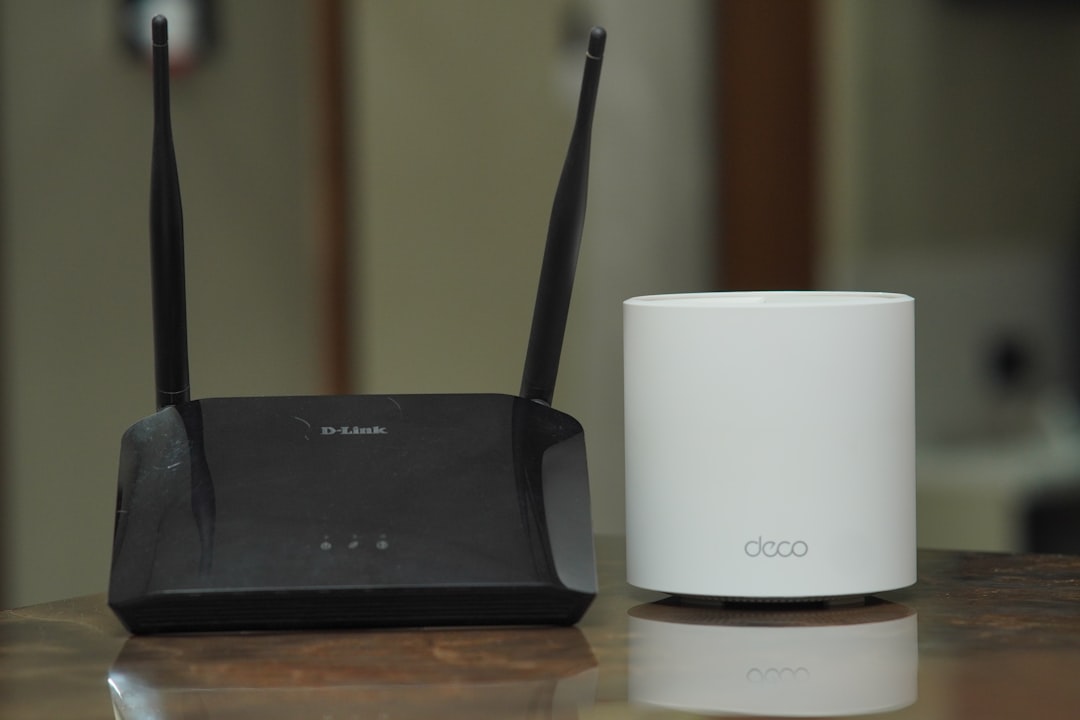
Most home routers are basic. Their admin pages may show connected devices, signal strength, IP addresses, and sometimes total data usage by device. Some routers also include logs, but these are often limited, technical, and not especially user-friendly. They might show connections to web domains or IP addresses rather than complete searches.
For example, a router may show that your phone connected to google.com or youtube.com. It usually will not show the exact words you typed into Google, especially if the connection is encrypted with HTTPS, which most modern websites use.
What HTTPS Hides and What It Does Not
HTTPS is one of the biggest reasons your exact search terms and page content are usually protected from casual network snooping. When you visit a secure website, the data exchanged between your device and that website is encrypted. That means someone on the same Wi-Fi network generally cannot read the contents of the page, your form entries, passwords, or exact search query.
However, HTTPS does not hide everything. Depending on the network setup, the Wi-Fi owner or internet provider may still be able to infer certain things, such as:
- The domain names you connect to, such as netflix.com or wikipedia.org
- The time you connected
- The amount of data transferred
- The device that was connected, if the router identifies it
Think of HTTPS like sending a sealed envelope. Someone handling the envelope may see where it is going, but they cannot read the letter inside. That is a simple analogy, but it captures the basic idea.
Does Incognito Mode Hide Search History from Wi-Fi?
Incognito mode, private browsing, or similar browser modes are often misunderstood. They are useful, but they are not an invisibility cloak.
Private browsing usually prevents your browser from saving local history, cookies, and form data after the session ends. This helps if someone later uses the same device and checks the browser history. It does not prevent websites, your internet provider, your employer, your school, or a network administrator from seeing certain activity at the network level.
In other words, incognito mode may hide your activity from another person looking at your browser, but it does not necessarily hide it from the network you are using.

What Can Your Internet Provider See?
Your internet service provider, or ISP, sits between your home network and the wider internet. Because of that, it can see more than a normal person glancing at a bill. In many cases, an ISP may be able to see domain-level activity, data usage, connection times, and technical routing information.
But again, HTTPS limits what an ISP can read. Your provider typically cannot see the contents of encrypted pages, the exact text on the page, or passwords. Whether it keeps logs, how long it keeps them, and whether it uses them for advertising or legal compliance depends on the country, provider, and privacy laws involved.
A key distinction is this: the ISP may have access to certain activity data, but it usually does not put that information on your bill.
What About School, Work, or Public Wi-Fi?
The situation can be different on networks managed by schools, employers, hotels, libraries, or public hotspots. These networks often use more advanced monitoring tools than a typical home router. They may filter websites, log domains, flag suspicious activity, and enforce acceptable-use policies.
On a work or school device, monitoring can go even further. If the organization installed security software, device management tools, or browser extensions, it may be able to track activity directly on the device, not just through the Wi-Fi network. In that case, HTTPS and incognito mode may not protect you from the organization’s own monitoring systems.
Can a VPN Hide Your History from the Wi-Fi Bill?
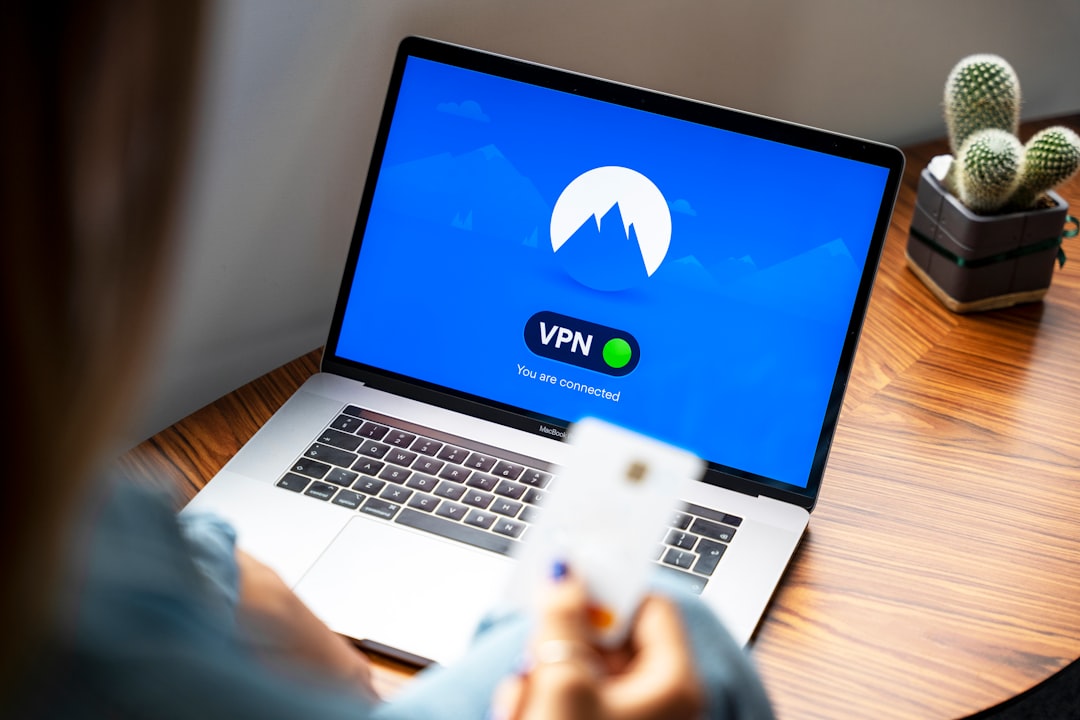
A VPN, or virtual private network, creates an encrypted tunnel between your device and the VPN provider. When you use a VPN, the Wi-Fi owner and ISP generally see that you are connected to a VPN server, but they cannot easily see the individual websites you visit through that connection.
This can be helpful if you want more privacy on shared, public, or untrusted Wi-Fi. But it is important to choose a reputable VPN. Your activity is hidden from the local network, but the VPN provider may be able to see some or all of what your ISP otherwise would have seen. A VPN shifts trust; it does not magically erase it.
Practical Ways to Protect Your Privacy
If you are concerned about who can see your browsing activity, a few simple habits can make a meaningful difference:
- Use HTTPS websites whenever possible. Most browsers show a lock icon for secure connections.
- Use private browsing when you do not want local history saved on the device.
- Consider a reputable VPN on shared or public Wi-Fi networks.
- Avoid sensitive activity on work, school, or public devices.
- Check router settings if you manage your own home network and want to understand what is being logged.
- Use secure DNS options, such as DNS over HTTPS, if your device and browser support them.
So, Can Someone See It?
If by “someone” you mean the person opening the monthly Wi-Fi bill, then no, they usually cannot see your search history there. The bill is not a diary of your internet activity. It is mostly a financial statement.
If you mean the Wi-Fi administrator, internet provider, employer, school, or someone using specialized monitoring tools, the answer becomes more nuanced. They may not see your exact searches, but they may see domains, timestamps, data usage, or device activity. In more controlled environments, especially workplaces and schools, monitoring can be much more detailed.
The main takeaway is that privacy online is layered. A bill is not the place where your search history is exposed, but your network activity can still leave traces in other places. Understanding the difference helps you worry less about myths and make smarter decisions about real privacy risks.