The best cloud payroll software is the one that pays people on time, files taxes with fewer surprises, and lets employees fix basic details without calling HR. That matters because employers generally must deposit federal income tax withheld, plus Social Security and Medicare taxes, on set IRS schedules [source: IRS]. Missed filings are not just annoying. They can be expensive.
TLDR: Gusto is often the easiest pick for small U.S. teams, while ADP Run and Paychex Flex suit firms that want more hands-on compliance support. For example, a 40-person company moving from spreadsheets to cloud payroll could cut a four-hour pay run to about 45 minutes and reduce common data entry errors from around 3% to under 1%. Rippling is strong when payroll must connect with IT and HR systems. Deel fits teams paying international staff and contractors.
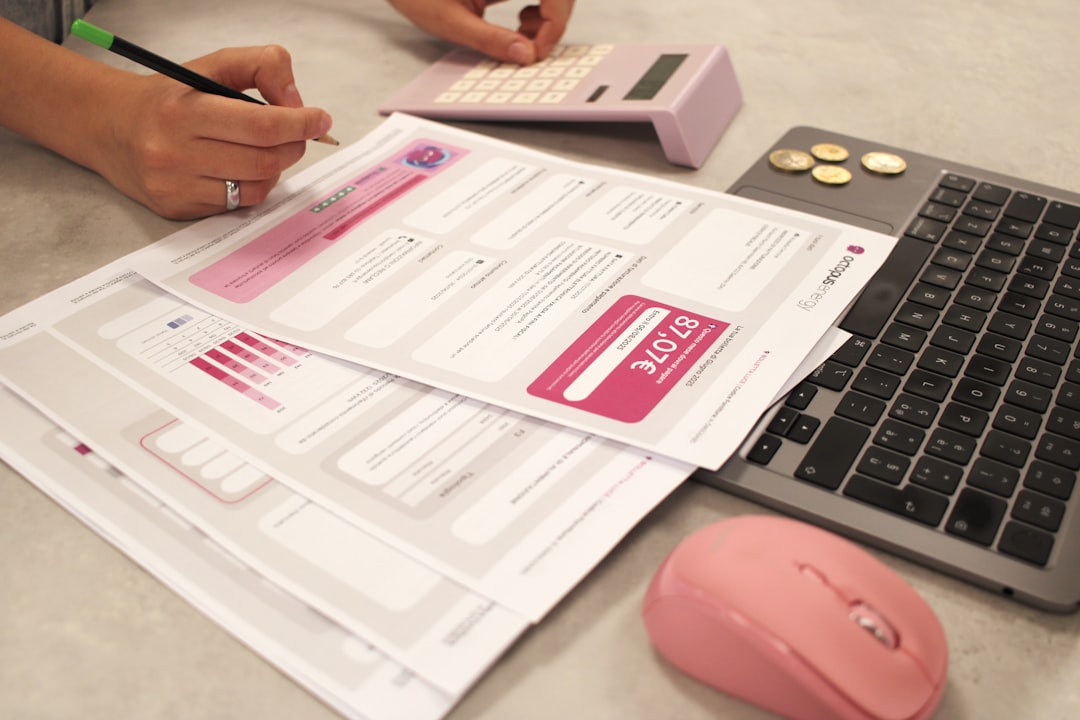
Quick Comparison of 7 Cloud Payroll Platforms
| Platform | Best For | Standout Strength | Main Annoyance |
|---|---|---|---|
| Gusto | Small businesses | Simple payroll and benefits | Advanced reports can feel limited |
| Rippling | Growing firms | Payroll, HR, and IT in one system | Setup can take more planning |
| ADP Run | Small firms needing support | Tax compliance and payroll history | Pricing is not always clear upfront |
| QuickBooks Payroll | QuickBooks users | Accounting sync | Non-QuickBooks users may waste clicks |
| Paychex Flex | Companies that want HR add-ons | Payroll plus HR services | Interface can feel busy |
| OnPay | Budget-focused small teams | Flat pricing and solid features | Fewer enterprise tools |
| Deel | Global teams | International payroll and contractors | May be overkill for local-only teams |
1. Gusto
Gusto is a favorite for small businesses because it feels clean and easy. It handles direct deposit, payroll tax filings, benefits, and employee onboarding. Workers can download pay stubs, update personal data, and review tax forms from the employee portal.
Best fit: companies with 1 to 100 employees that want payroll without a steep learning curve.
2. Rippling
Rippling goes beyond payroll. It connects payroll with HR, apps, devices, and user access. When an employee joins, changes roles, or leaves, payroll and system access can update together. That saves time for growing teams.
The catch is that Rippling works best when the company commits to setting it up well. A rushed setup can make simple tasks feel heavier than they should.
3. ADP Run
ADP Run is built for small businesses that want a known payroll provider with strong compliance support. It includes automated payroll, tax filing, new hire reporting, and employee self-service.
ADP has deep payroll experience. That helps when a business has employees in several states. The less fun part is pricing. Some buyers may need a quote before they understand the full cost.
4. QuickBooks Payroll
QuickBooks Payroll makes the most sense for firms already using QuickBooks Online. Payroll entries can flow into accounting records, which cuts duplicate work. It supports automated payroll, tax calculations, direct deposit, and employee access to tax forms.
Honestly, it feels like the product rewards teams already inside the QuickBooks system. For everyone else, setup can feel less smooth than expected.
5. Paychex Flex
Paychex Flex offers payroll, time tracking, benefits, hiring tools, and HR support. It works well for companies that want more than basic payroll but are not ready for a full enterprise suite.
Its employee self-service tools are useful. Staff can view pay details, tax documents, and benefits information. The dashboard can feel crowded at first, though. Expect a bit of training time.
6. OnPay
OnPay is simple, fairly priced, and strong for small businesses. It supports unlimited monthly pay runs, tax filing, direct deposit, and employee self-service. It also serves farms, nonprofits, restaurants, and firms with tipped workers.
Best fit: small teams that want dependable payroll without paying for tools they will not use.
7. Deel
Deel is built for international hiring. It helps companies pay employees and contractors in different countries. It also supports compliance documents, contracts, and localized payment options.
For a local bakery with 12 workers, Deel is probably too much. For a software company with people in five countries, it can save many hours each month.
What Features Matter Most?
- Automated payments: Direct deposit, scheduled payroll, and off-cycle payments should be easy.
- Tax compliance: The platform should calculate, file, and pay payroll taxes where supported.
- Employee self-service: Workers should access pay stubs, W-2s, personal details, and direct deposit settings.
- Integrations: Accounting, time tracking, benefits, and HR tools should connect cleanly.
- Support: Payroll problems are urgent. Slow support is a real problem on payday.
Best Picks by Business Type
- Best for most small businesses: Gusto
- Best for accounting sync: QuickBooks Payroll
- Best for compliance support: ADP Run
- Best for HR add-ons: Paychex Flex
- Best for growing tech teams: Rippling
- Best value option: OnPay
- Best for global teams: Deel
FAQ
What is cloud-based payroll software?
It is payroll software hosted online. Companies use it to pay workers, calculate taxes, store records, and give employees access to payroll documents.
Which payroll platform is best for small businesses?
Gusto is often the best starter option. OnPay is also strong for small teams that want simple pricing.
Can payroll software file taxes automatically?
Yes, many platforms calculate, file, and pay payroll taxes. Coverage can vary by plan, state, and employee type.
Which platform is best for global payroll?
Deel is the strongest choice from this list for international employees and contractors.
Is employee self-service worth it?
Yes. It cuts routine HR requests. Employees can update details, view pay stubs, and download tax forms without waiting for staff help.