Monarch Money is the better all-purpose family finance app, while Copilot is the sharper choice for Apple users who want a polished, AI-assisted spending dashboard. Both are serious replacements for Mint, but they suit different habits, budgets, and tolerance for setup work.
TLDR: Choose Monarch Money if you want shared household budgeting, long-term planning, net worth tracking, and broad account support. Choose Copilot if you live on iPhone or Mac and want fast spending insights with attractive charts and smart categorization. For example, a couple earning $8,000 per month might use Monarch to split bills, track savings goals, and monitor $420,000 in assets, while a solo professional might use Copilot to spot that restaurant spending rose 28% in one month. AI helps most with transaction cleanup and pattern spotting, but it still needs human review.
What money assistant apps actually do
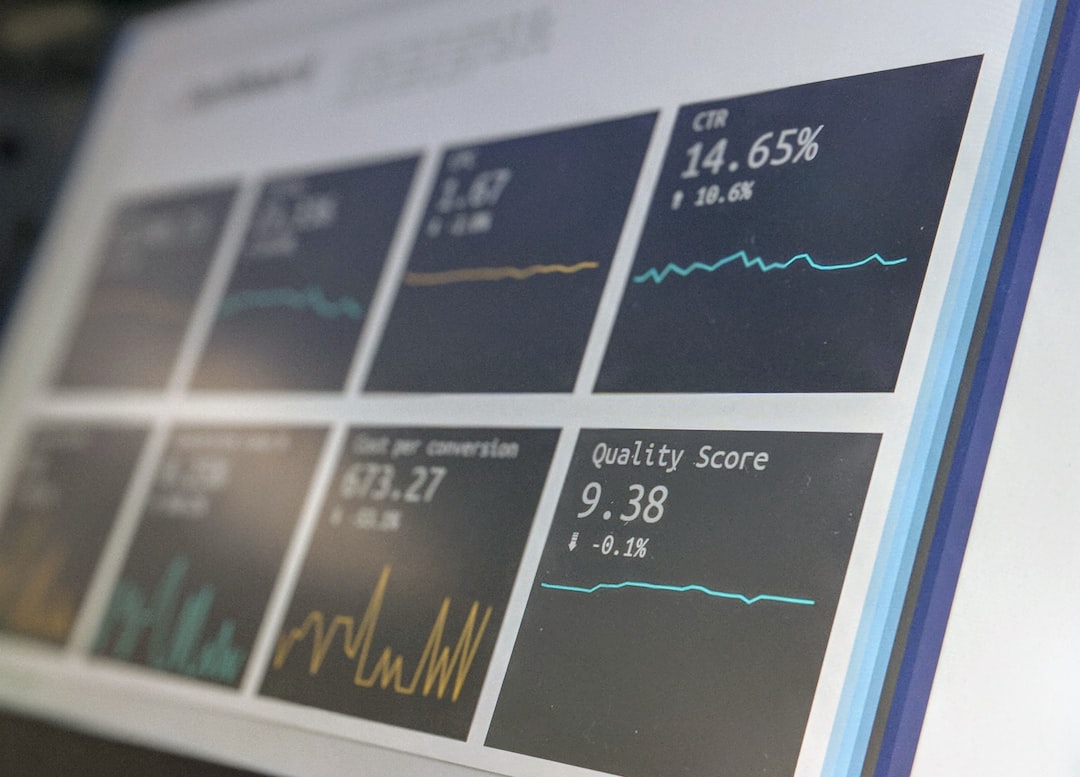
Money assistant apps connect to bank accounts, credit cards, loans, brokerages, and sometimes property estimates. They turn raw transactions into budgets, reports, alerts, and projections. The best tools make patterns obvious. The weak ones just create more chores.
AI has changed the category, but not as much as marketing suggests. Most “AI” features are practical rather than magical. They include automatic transaction categorization, merchant cleanup, recurring bill detection, cash flow projections, and spending alerts. Some apps now add chat-style answers, such as “How much did I spend on travel last quarter?”
The catch is that financial data is messy. One grocery store may also sell medication, pet supplies, and gas. A payment app transfer may be rent, dinner, or a birthday gift. No app gets this right every time.

Monarch Money: best for households and long-term planning
Monarch Money is built for people who want a full financial control center. It tracks cash, debt, investments, property, goals, recurring expenses, and budgets. Its strongest feature is collaboration. Couples and families can share one workspace without passing around bank passwords or exporting spreadsheets.
Monarch’s budgeting style is flexible. You can create monthly category budgets, track rollover spending, and set goals for savings or debt payoff. It also supports custom categories and rules, which matter more than they sound. After a few weeks, well-built rules can save real time.
Its dashboard is clear and sober. You see net worth, cash flow, spending, upcoming bills, and goals without feeling buried. That makes it useful for users with many accounts. Think checking, two credit cards, a mortgage, a 401(k), an IRA, a brokerage account, and a car loan.
Where Monarch stands out:
- Shared finance: good for couples, families, and financial planning across a household.
- Net worth tracking: useful for users with investments, loans, and property.
- Budget control: strong category rules and goal tracking.
- Broad view: spending, debt, assets, and progress live in one place.
Expect to spend the first evening fixing categories and merging merchants. That is annoying, but it pays off. Once rules are trained, Monarch becomes calmer and more reliable.
Copilot: best for Apple users and spending insight
Copilot is a premium finance app designed mainly for iPhone and Mac users. It feels faster and more personal than many older budgeting tools. The interface is clean, the charts are strong, and the app does a good job making spending behavior visible.
Copilot’s categorization and recurring transaction detection are among its key strengths. It learns from edits and presents trends in a way that feels easy to act on. If you want to know why your credit card bill jumped, Copilot is often better than a spreadsheet and less rigid than a zero-based budget.
It is especially good for users who care about monthly spending but do not want a complex planning system. You can review transactions, track subscriptions, watch categories, and see trends without becoming a part-time accountant.
Where Copilot stands out:
- Apple-first design: strong experience on iPhone and Mac.
- Spending analysis: clear category trends and merchant insights.
- Smart cleanup: good rules for recurring charges and transaction grouping.
- Daily use: pleasant enough to check often.
Honestly, it feels like Copilot cares more about the daily user experience than many older finance apps. The downside is that users outside the Apple ecosystem may feel left out. Household planning also feels less central than it does in Monarch.

Monarch Money vs Copilot: direct comparison
Monarch is better for planning. Copilot is better for quick spending clarity. If your main question is “Are we on track this year?” Monarch fits better. If your main question is “Why did I spend so much this month?” Copilot may feel sharper.
| Feature | Monarch Money | Copilot |
|---|---|---|
| Best fit | Families, couples, planners | Apple users, spending trackers |
| Budgeting | Detailed and goal-based | Cleaner, more behavior-focused |
| Net worth | Strong | Useful, but less central |
| AI-style help | Rules, categorization, insights | Smart categorization, trends, recurring charges |
| Collaboration | Strong | Less suited to household workflows |
Other AI-powered finance tools worth considering
YNAB is still the best choice for strict budgeting. It is less about AI and more about discipline. Every dollar gets a job. That can be powerful for debt payoff or paycheck-to-paycheck recovery, but it takes effort.
Rocket Money is useful for subscription tracking and bill reduction. Its app can find recurring charges quickly. If you suspect you are wasting $50 to $150 per month on forgotten services, Rocket Money may uncover them fast.
Quicken Simplifi offers strong reporting and spending plans. It suits users who want structure without the heavier feel of classic Quicken. Its projected cash flow tools can help users avoid timing problems, such as paying a credit card two days before payroll lands.
Empower Personal Dashboard is best for investment and retirement tracking. It is less of a daily budgeting app. It works well for users focused on asset allocation, fees, and long-term wealth.
Cleo and similar chat-based apps take a different route. They make finance feel conversational. That can help younger users engage with money, but the jokes and prompts may not suit people who want sober analysis.
Privacy and security should guide your choice
Any app connected to financial accounts deserves careful review. Look for bank-grade encryption, multi-factor authentication, clear data policies, and trusted account connection providers. Also check whether the company sells user data or uses it for advertising. A cheap app is not cheap if the business model depends on profiling your finances.
You should also check account coverage before paying. Some banks and credit unions sync poorly. Investment accounts can lag. Transactions may duplicate after connection errors. It drives me crazy that a “smart” finance app can still need manual repair after a routine bank sync, but that remains common across the category.
How to choose the right app
- Pick Monarch Money if you manage money with a partner, track goals, or care about full net worth.
- Pick Copilot if you use Apple devices and want better spending visibility with less clutter.
- Pick YNAB if you need strict control and are willing to build a new money habit.
- Pick Rocket Money if subscription waste is your main problem.
- Pick Empower if investments matter more than grocery budgets.
The right app is the one you will check twice a week. Not the one with the longest feature list. For most households, Monarch Money offers the strongest overall system. For individual Apple users who want clean insights and less setup, Copilot is hard to beat. AI can speed up the work, but your judgment still decides what the numbers mean.