Google Maps is usually the better first stop for “radiology near me,” while Zocdoc is better when a patient wants online booking tied to insurance. Local imaging searches move fast because referrals often need a specific service, such as MRI, CT, ultrasound, mammography, or X-ray. The FDA advises patients to ask whether an imaging exam is needed and whether older images can answer the same question [source: FDA]. That matters because the closest center is not always the right center.
TLDR: Google Maps wins for speed, distance, hours, phone numbers, and a broad list of nearby radiology centers. Zocdoc wins when online scheduling and insurance filters actually show available imaging appointments. For example, a patient searching at 7 p.m. might find 12 nearby imaging locations on Google Maps, but only 2 bookable radiology appointments on Zocdoc. A smart search usually starts on Maps, then checks Zocdoc if the patient wants a confirmed slot without making three annoying phone calls.
What Each Tool Does Best
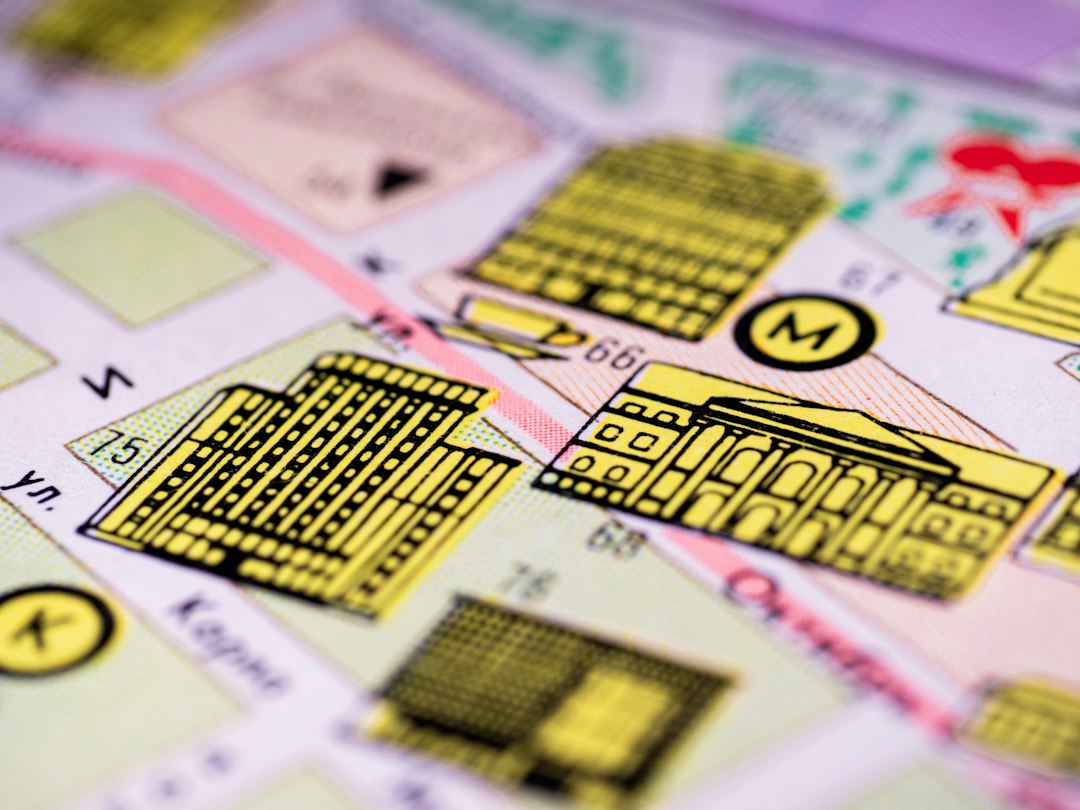
Google Maps is built for local discovery. It shows radiology clinics, hospital imaging departments, diagnostic centers, urgent care X-ray services, and outpatient MRI facilities. It gives directions, reviews, business hours, photos, phone numbers, and links to websites. For a patient who just needs to know what is nearby, it is hard to beat.
Zocdoc is built for appointment booking. It focuses on providers and facilities that allow scheduling through the platform. Patients can filter by insurance, appointment time, location, and visit type. That can save time. It can also feel oddly empty in certain areas. Honestly, it feels like a great tool until the needed scan type returns no useful appointments within 25 miles.
Speed: Google Maps Usually Wins
When someone types radiology near me, speed matters. Google Maps often loads a list in seconds. Results appear with distance, star ratings, open hours, and traffic-aware directions. A patient can quickly spot a center that is open now or one that is five minutes away.
Zocdoc takes a more structured path. The user usually selects a specialty, insurance plan, location, and reason for visit. This is helpful, but it adds steps. The extra time may be worth it if Zocdoc shows real appointments. If not, the patient ends up back on Google Maps anyway. Expect to waste time on filters if the local supply is thin.
Appointment Booking: Zocdoc Has the Cleaner Flow
Zocdoc’s strongest feature is online scheduling. A patient can often see time slots without calling. This is useful for busy workers, caregivers, students, and anyone who hates sitting on hold. It also helps when a referral is urgent but not an emergency.
Google Maps is more hit or miss for booking. Some imaging centers link to scheduling pages. Others only show a phone number. Some listings lead to hospital websites with ten clicks before the radiology page appears. It drives patients crazy when a listing says “appointments” but the site only offers a contact form.
- Best for quick booking: Zocdoc, if appointments are listed.
- Best for finding every nearby option: Google Maps.
- Best for after-hours searching: Google Maps for discovery, Zocdoc for booking if slots exist.
Insurance Checks: Zocdoc Is More Useful, But Not Perfect
Insurance is where Zocdoc can shine. Patients can enter their plan and see providers that may accept it. This cuts down on dead ends. For imaging, though, insurance rules can be messy. A scan may require prior authorization. The imaging center may accept the insurer but not the exact plan. The referring doctor may need to send records first.
Google Maps does not solve insurance. It may show “accepts insurance” or link to the center’s website, but the patient still needs to verify details. For expensive imaging, that call is not optional. A CT or MRI can cost very different amounts across facilities. Patients should ask about network status, prior authorization, cash prices, and facility fees.
Accuracy of Listings and Reviews
Google Maps has more reviews. That can help reveal patterns. Long wait times, rude front desks, confusing parking, clean facilities, and fast reports often show up in comments. The volume is useful, especially in large cities.
The problem is that reviews may cover the whole medical building, not just radiology. A one-star review might complain about billing from a different department. A five-star review might praise a doctor unrelated to imaging. Patients should read the text, not just the rating.
Zocdoc reviews tend to focus on appointment experience. They may be more relevant to scheduling and bedside manner. Yet Zocdoc may have fewer reviews for imaging centers. A center with no Zocdoc reviews could still be excellent.
Scan Type Matters More Than Distance
Not every radiology location offers every scan. A small clinic may provide basic X-rays. A diagnostic imaging center may offer MRI, CT, ultrasound, DEXA scans, and mammography. A hospital may handle more complex studies and contrast imaging.
Patients should search by the exact exam, not only “radiology.” Better searches include:
- MRI near me
- CT scan near me
- ultrasound near me
- diagnostic mammogram near me
- walk in X ray near me
RadiologyInfo, a patient education site from the American College of Radiology and RSNA, explains common imaging exams and what patients can expect during them [source: RadiologyInfo]. That can help a patient understand the referral before picking a center.
When Google Maps Is the Better Choice
Google Maps is best when the patient needs a broad local list. It is also best for checking distance, parking, office hours, photos, and reviews. It works well for people who need a same-day X-ray, want to compare nearby imaging centers, or need directions fast.
It also helps patients spot hospitals versus outpatient centers. This matters. Hospital imaging can be convenient for complex cases, but outpatient centers may offer lower cash prices and easier parking. Prices vary by city, facility, insurance plan, and authorization rules.
When Zocdoc Is the Better Choice
Zocdoc is best when online booking is the main goal. It is also useful when the patient wants to filter by insurance before calling. This can reduce friction, especially for routine imaging referrals.
Still, Zocdoc may not list every radiology option nearby. Many imaging centers use their own scheduling systems. Some only accept appointments after receiving a doctor’s order. Others require staff to review the referral first. That means Zocdoc is helpful, but it should not be treated as a full directory.
A Practical Search Strategy
The strongest approach uses both tools. First, the patient starts with Google Maps and searches for the exact scan. Then the patient opens the top five listings and checks location, hours, reviews, and website details. Next, the patient checks Zocdoc for available appointments that match insurance and timing.
Before booking, the patient should confirm four things:
- The center performs the exact exam listed on the referral.
- The facility accepts the insurance plan, not just the insurance company.
- Prior authorization is complete, if required.
- The report will be sent to the ordering doctor.
This simple process prevents common headaches. It can also avoid surprise bills, wrong-location bookings, and wasted trips.
Final Verdict
For most patients, Google Maps should be the first search tool. It shows more local radiology options and gives faster geographic context. Zocdoc should be the second step when the patient wants appointment times, insurance filters, and simpler scheduling.
The best tool depends on the task. For finding nearby imaging centers, Google Maps wins. For booking a slot without calling, Zocdoc can win. For avoiding billing trouble, neither tool is enough. The patient still needs to confirm insurance, authorization, and scan details with the imaging center.
FAQ
Is Zocdoc better than Google Maps for finding radiology services?
Not usually. Google Maps often shows more nearby radiology centers. Zocdoc is better when the patient wants online booking and insurance filters.
Can a patient book an MRI through Zocdoc?
Sometimes. Availability depends on the city, the imaging center, and whether the facility lists MRI appointments on Zocdoc.
Does Google Maps show accurate radiology hours?
Often, but not always. Patients should call the imaging center or check its official website before going, especially for evening or weekend hours.
Should patients search “radiology near me” or the exact scan?
The exact scan is better. Searches like CT scan near me or walk in X ray near me usually return more useful results.
Does Zocdoc confirm insurance coverage?
Zocdoc can help filter by insurance, but patients should still confirm coverage with the imaging center and insurer before the appointment.
Which tool is better for urgent imaging?
Google Maps is usually better for finding open locations fast. For true emergencies, a patient should seek emergency medical care rather than rely on booking tools.