Imagine standing at the edge of a coral reef, turning your head to follow a sea turtle as it glides behind you, or sitting courtside at a basketball game without leaving your sofa. That is the promise of VR video: a viewing experience that surrounds you rather than simply appearing in front of you. As cameras, headsets, and streaming platforms improve, 360-degree content is becoming more accessible for education, entertainment, tourism, sports, and brand storytelling.
TLDR: VR video is immersive footage that lets viewers look around a scene in 180 or 360 degrees, often using a VR headset, phone, or browser. For example, a real estate agent can offer a virtual home tour where buyers explore every room before booking an in-person visit. Studies and platform reports often show higher engagement for immersive media; even a modest 20% increase in viewing time can make a major difference for training, marketing, or event coverage. To watch it, choose compatible content, open it on a supported app or device, and move your head, phone, or mouse to explore.
What Is VR Video?
VR video, short for virtual reality video, is video content recorded or rendered so viewers can explore the scene from a fixed point of view. Instead of watching a rectangular frame, you are placed inside a spherical or semi-spherical environment. You can look up, down, left, right, and sometimes behind you, depending on the format.
Most VR video is either 360-degree video or 180-degree video. In 360-degree video, the camera captures the entire environment around it. In 180-degree video, the action is captured in front of the viewer, usually with a wider and more immersive field of view than standard video. While interactive VR games let users move through digital spaces, VR video usually keeps the viewer in one position, like standing in the middle of a concert crowd or sitting inside a race car.
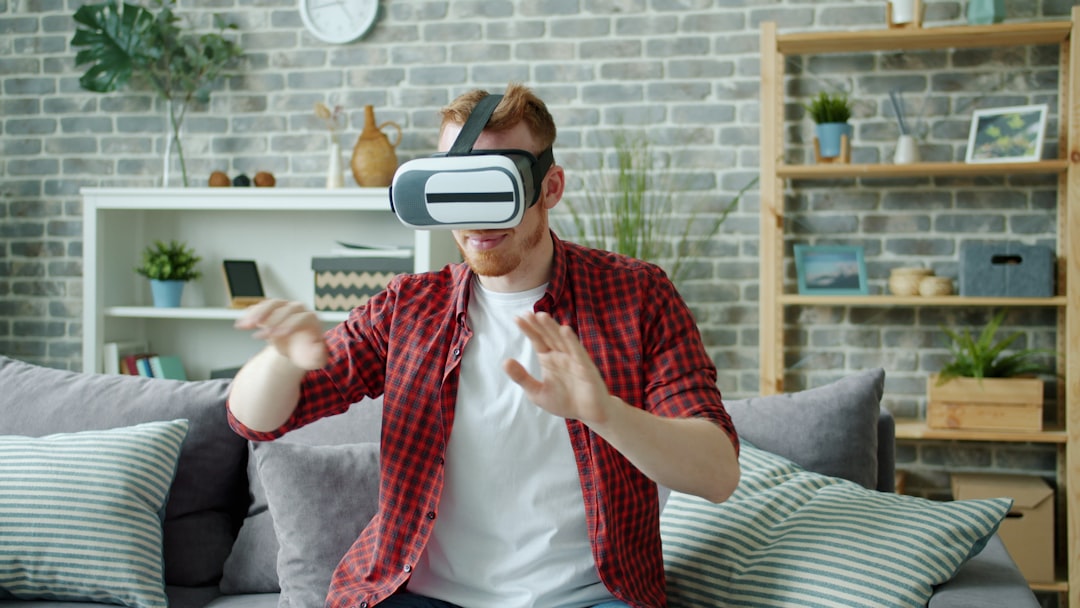
Common VR Video Formats
VR video can be confusing because the word “format” may refer to the viewing angle, the way the image is mapped, or the technical file type. Here are the most important categories to understand:
- 360-degree video: Captures the full sphere around the camera. Viewers can look in every direction, making it ideal for travel, documentaries, events, and tours.
- 180-degree video: Captures only the front half of the environment. It is often sharper and easier to produce because the available pixels are concentrated in the area people actually watch most.
- Monoscopic VR: Shows the same image to both eyes. It feels immersive but does not create a strong sense of depth.
- Stereoscopic VR: Shows slightly different images to each eye, creating a 3D effect. This can feel more realistic, especially in headsets.
- Equirectangular video: A common 360 format where the spherical view is flattened into a rectangular image, similar to a world map.
- Cubemap video: Maps the scene onto the faces of a cube. This can improve compression efficiency and image quality in some workflows.
In terms of file types, VR videos often use familiar containers such as MP4 or MOV, with codecs like H.264, H.265, or AV1. Resolution matters a lot. A “4K” 360 video may sound sharp, but those pixels are spread across the entire sphere, so the actual area you are looking at may appear less detailed than a normal 4K movie. That is why high-quality VR content may use 6K, 8K, or even higher resolutions.
Why VR Video Feels Different
The biggest difference is presence. Traditional video tells you where to look through framing and editing. VR video gives you more control, which can make the experience feel personal and memorable. You are not just watching a safari; you are turning toward the rustle of grass as an animal appears beside you.
This freedom also changes how creators think. Important action cannot be hidden outside the frame, because the “frame” is everywhere. Sound design becomes more important too. With spatial audio, a viewer can hear a voice or object coming from a specific direction, encouraging them to turn and engage naturally.
Benefits of VR Video
VR video is not useful only because it feels futuristic. It solves real communication problems by helping people understand places, processes, and experiences more intuitively.
- Higher engagement: Immersive content invites active viewing. Instead of passively watching, users explore the environment.
- Better training: Medical teams, factory workers, and emergency responders can practice observing realistic scenarios without immediate risk.
- Remote access: Museums, universities, hotels, and tourist destinations can reach people who cannot visit in person.
- Stronger storytelling: Journalists and documentary makers can place audiences inside a location, making stories feel more immediate.
- Improved decision-making: Buyers can inspect homes, venues, cars, or travel destinations before committing time or money.

For businesses, VR video can also shorten the path from curiosity to confidence. A hotel room listing with a 360 tour, for instance, gives travelers a clearer sense of layout and atmosphere than a few still photos. In education, students can “visit” ancient ruins, laboratories, or ecosystems in a way that supports visual memory and curiosity.
How to Watch 360-Degree Content
You do not always need an expensive headset to watch VR video. The best device depends on how immersive you want the experience to be.
- VR headset: Devices such as standalone headsets or PC-connected headsets offer the most immersive experience. Open a VR video app, choose a compatible video, and look around naturally by moving your head.
- Smartphone: Many mobile apps support 360 playback. You can move the phone around like a window into the scene, or place it in a simple mobile viewer if supported.
- Desktop browser: On supported websites, click and drag with your mouse to look around. This is less immersive but very convenient.
- Tablet: Similar to a phone, a tablet can use motion controls or touch gestures to navigate a 360 scene.
To get started, search for videos labeled 360, VR180, 3D 180, or immersive video. If you are using a headset, make sure the video mode matches the content. A stereoscopic 180 video may look strange if played in the wrong layout, while a monoscopic 360 video may not have depth even though you can look around.
Tips for a Better Viewing Experience
Because VR video surrounds you, comfort and quality matter. Use a stable internet connection for streaming high-resolution content, especially 6K or 8K video. If the image looks blurry, check whether the platform has automatically lowered playback quality. Clean your headset lenses, adjust the fit, and take breaks if you feel dizzy or tired.
Also pay attention to where you are sitting or standing. A swivel chair can make 360 content easier to explore without twisting your neck. Headphones are highly recommended, especially for videos with spatial audio, because directional sound adds a powerful sense of realism.
Image not found in postmetaThe Future of VR Video
VR video is still evolving. Better cameras, lighter headsets, faster networks, and improved compression are making immersive content easier to capture and watch. We are also seeing more overlap between VR video and interactive media, where viewers can choose paths, click on objects, or move between viewpoints.
Ultimately, VR video is not about replacing traditional film or online video. It is about adding a new way to experience stories and spaces. When the goal is to make someone feel present, whether in a classroom, concert, property tour, or distant landscape, 360-degree content can turn watching into exploring.